1Top pick

Mobile & desktop guide
How to download the Balloon app by SmartSoft: casino apps for iPhone and Android, APK installation, browser play on PC, real-money play from $0.10, demo mode and safety checks.
18+ Gambling involves risk. Play responsibly.
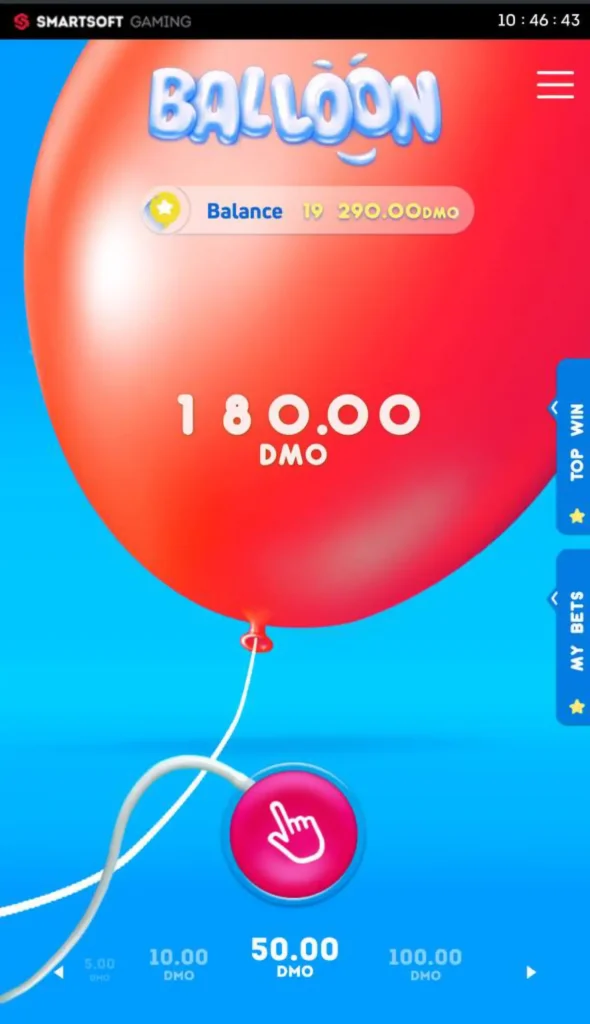




The guide below covers each installation route step by step, compares app and browser play, explains how real-money play works and lists the safety checks to make before installing anything.
The right method depends on the device. The table summarises the options.
| Device | Method | Installation |
|---|---|---|
| iPhone / iPad | Casino app in the App Store, where available | Standard App Store install |
| iPhone / iPad | Safari + Add to Home Screen | No installation |
| Android | APK from the casino's official site | Manual install with permission |
| Android | Chrome browser | No installation |
| Windows / macOS | Desktop browser | No installation |
Apple restricts real-money gambling apps by country, so a casino's iOS app may or may not appear in the App Store depending on where the player is located. When it is not available, the mobile site gives the same game with a shortcut that behaves like an app.
Where a casino app with Balloon is listed, installation follows the usual App Store process.
Without an App Store listing, Safari is the simplest route. A home screen icon opens the casino in one tap.
Google Play limits real-money gambling apps in many countries, which is why most casinos distribute their Android apps as APK files from their own websites. Android blocks such installations by default, so a one-time permission is needed.
The installation takes a minute or two on most phones.
After installation, the unknown-apps permission can be switched off again in the phone's settings for extra security.
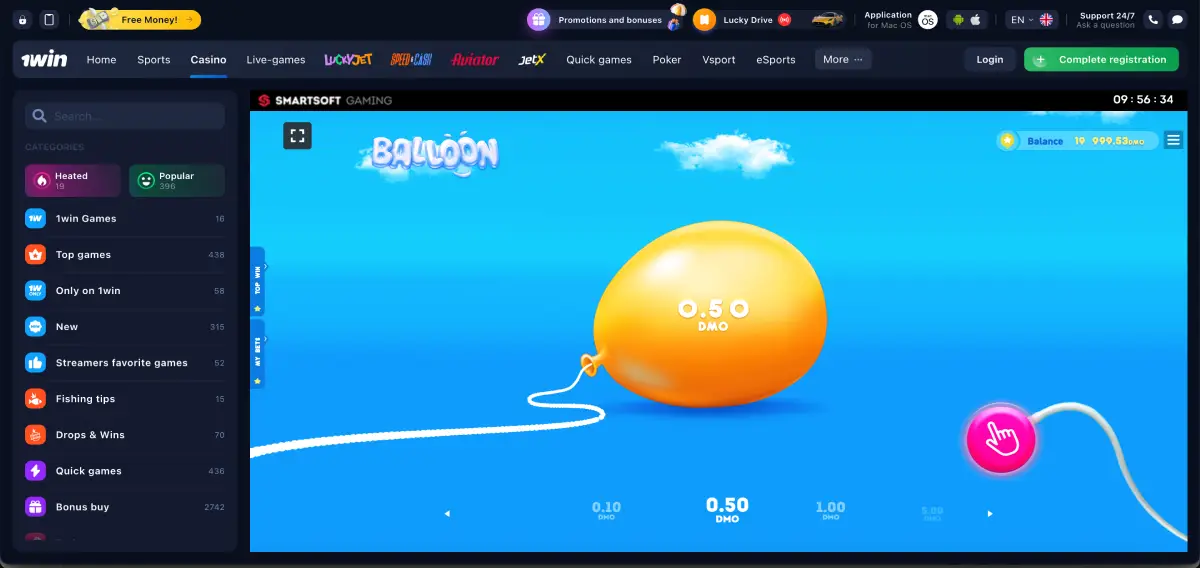
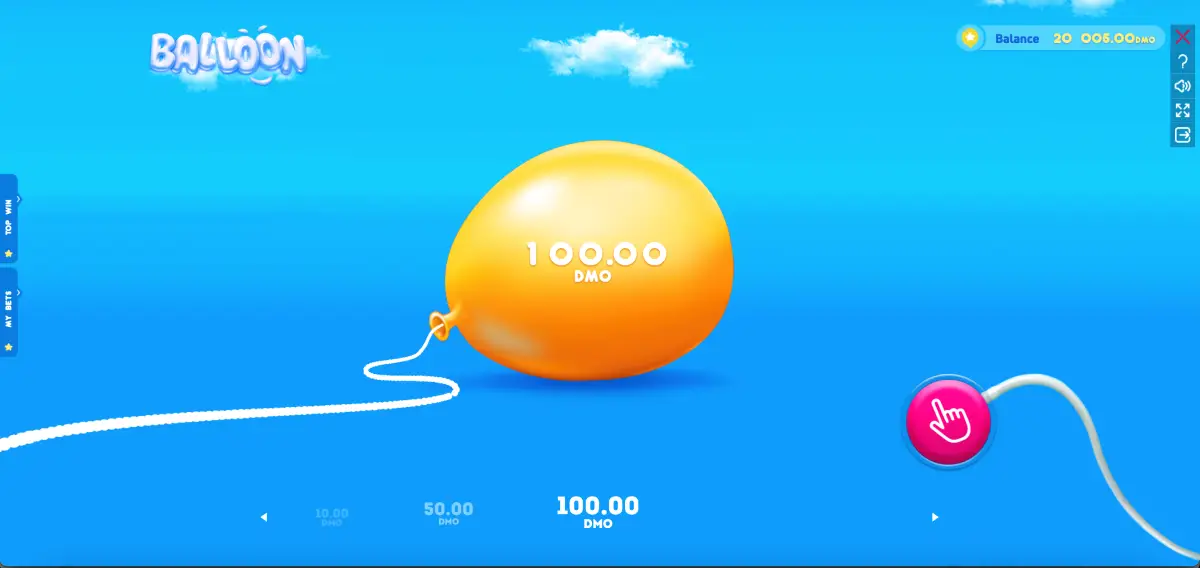
On a computer, Balloon needs no download. The game is built in HTML5 and runs in any modern browser, with the same features as on mobile.
On desktop the inflate control is operated with the mouse, holding the button down and releasing it to cash out.
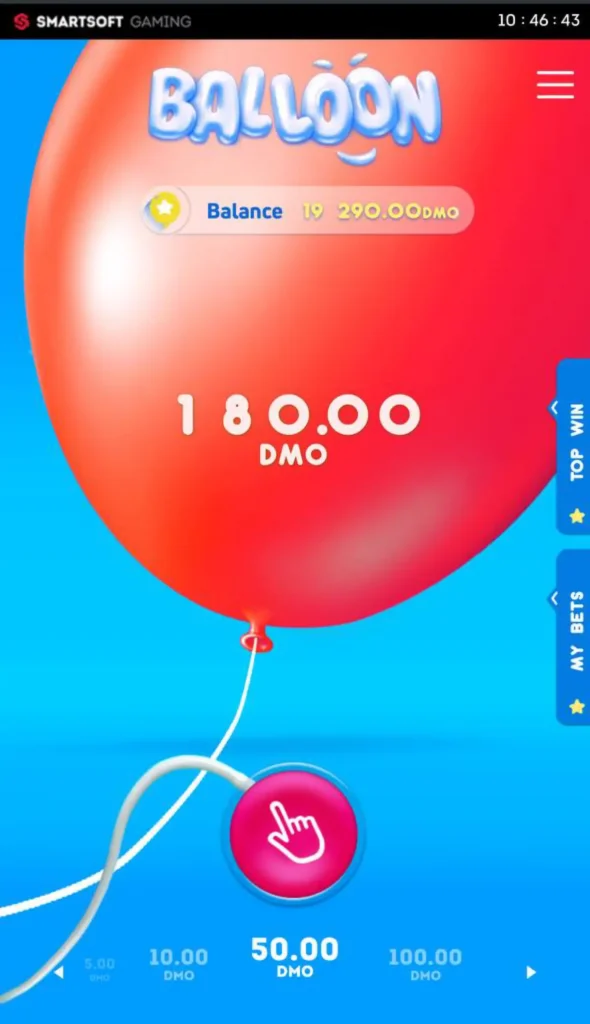
Balloon itself is identical in an app and in a browser. The differences lie in convenience and extras offered by the casino.
| Criterion | Casino app | Mobile browser |
|---|---|---|
| Installation | Required | Not required |
| Storage use | Uses phone storage | Browser cache only |
| Quick access | App icon | Home screen shortcut |
| Push notifications | Often available | Limited |
| App-only bonuses | Offered by some casinos | Not available |
| Game and balance | Same | Same |
For occasional play, the browser is enough. For regular players, an app is more convenient, especially when the casino rewards app users with extra offers.
Real-money play works the same way on every device. The player chooses a bet from $0.10 to $100, presses and holds to inflate the balloon and releases before it bursts. The payout equals the bet multiplied by the multiplier at the moment of release, up to 10,000x.
Depending on the casino, the app may also give access to leaderboard events, weekly cashback and crash tournaments in which Balloon rounds earn points. Deposits and withdrawals are handled in the casino's cashier, also available inside the app.
An installed app is most useful for some types of players more than others.
Because Balloon apps come from casinos rather than an official SmartSoft store listing, fake apps are a real risk. A few checks protect the account and the device.
Many casinos include a free demo of Balloon inside their apps and mobile sites, sometimes even without registration. The demo uses virtual credits and works like the real game, which makes it useful for getting familiar with the touch controls. Demo winnings cannot be withdrawn.
The answers below cover the most frequent questions about downloading Balloon.
No. SmartSoft Gaming supplies Balloon to casinos, so the game is available through casino apps and websites rather than a standalone app.
Yes, through a licensed casino. Bets range from $0.10 to $100 per round.
It depends on the casino and the country. Where no App Store listing exists, Balloon runs in Safari with a home screen shortcut.
Download the casino's APK from its official site, allow installation from the browser and tap Install.
Registration is required for real money. Some casinos allow the demo without an account.
Yes. The balance and history are shared across all devices at the same casino.
No. Burst points are generated randomly before each round and cannot be predicted. Apps claiming otherwise should be avoided.
Learn before you play
Use the demo to understand the pace, controls and cash-out mechanic. No winnings can be withdrawn.